Your agent designs real UI.
On your real codebase.
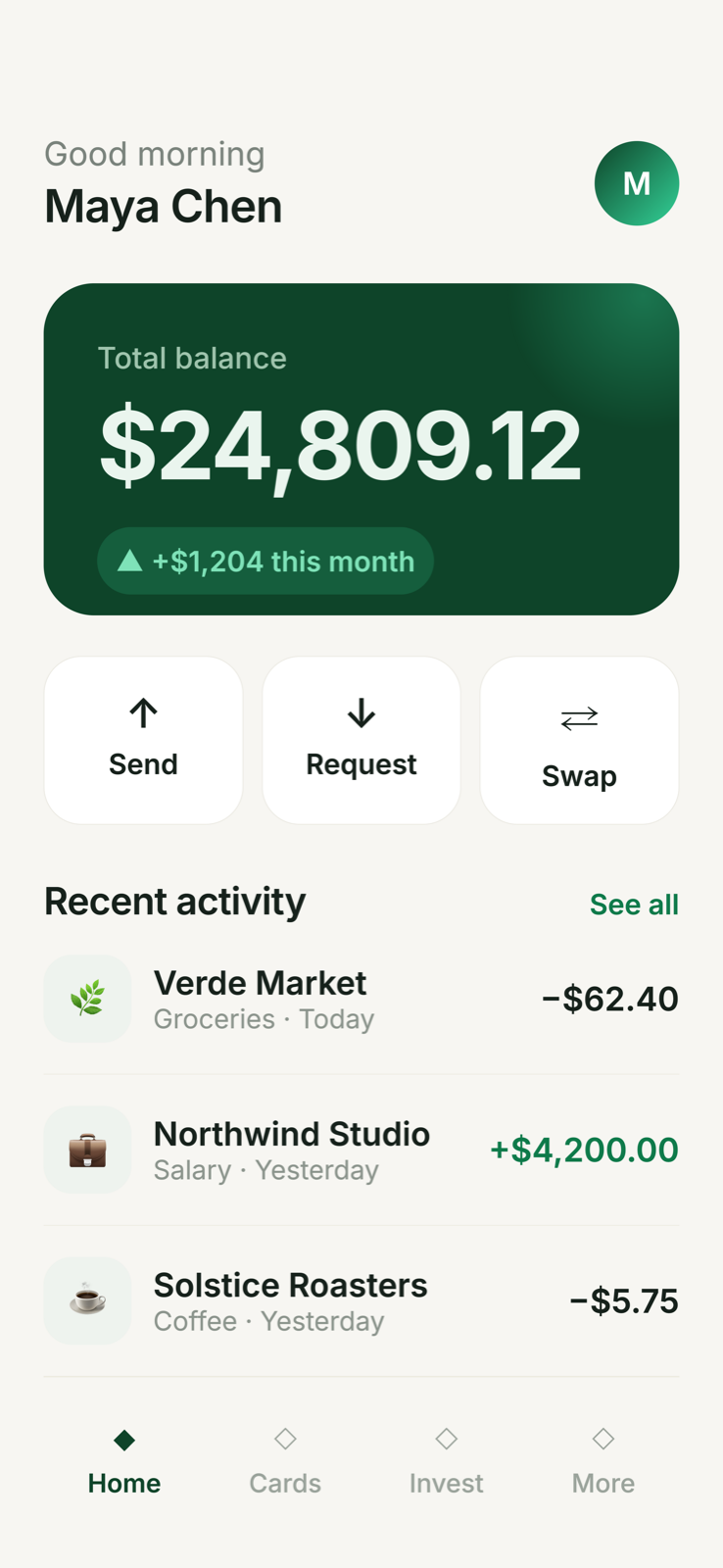
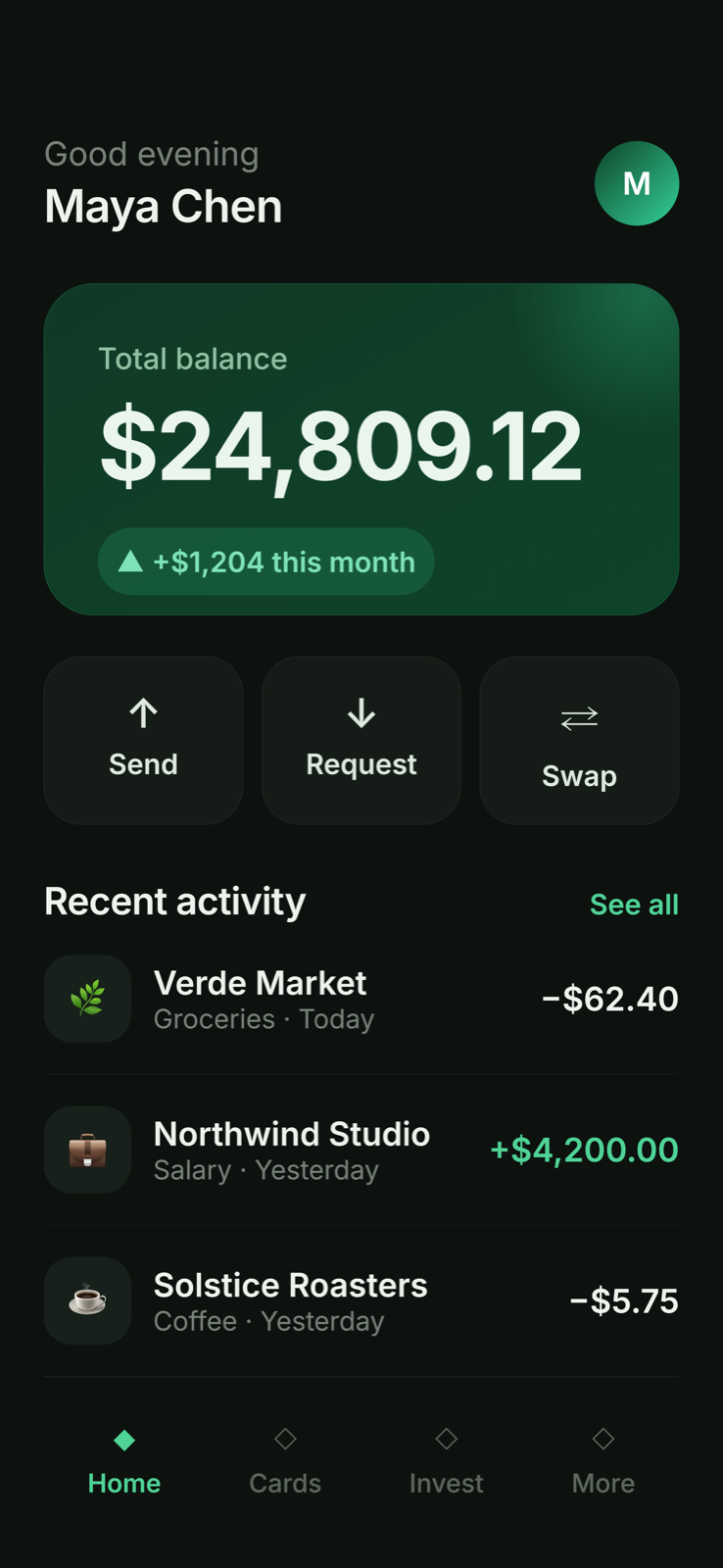
Link your source files and the agent designs screens that match your tokens, components, and copy — on device-accurate iPhone, web, and desktop frames. It sees a render of its own work after every edit and fixes what looks wrong.
How it goes.
Link your code
Point Screenie at your theme, components, and copy. The agent studies it into a design system.
Prompt the screen
“Design the checkout screen — dark mode.” Frames fill in live at the right device size.
Iterate on renders
The agent sees its own pixels, judges them, and fixes them. You approve; Copy prompt ships it.
Why it works.
Reads real code
Tokens, theme files, shared components, live copy — designs match what you’ve actually built.
Device-accurate frames
iPhone 6.1″–6.9″ with safe areas, web desktop, full-page — every screen at its true ratio.
Straight to production
Copy prompt puts brand context + design HTML on your clipboard for your coding agent.